

Text to world
Describe a place, a person, and what happens next. Orbis starts a stream instead of a finished clip.
A live model for interactive long video. Change the prompt. The stream stays on.
Most video models take a prompt and return a clip. Visko Orbis turns generation into a session that is still happening.
Describe a place, a person, and what happens next. Orbis starts a stream instead of a finished clip.

Drop a still. The model holds identity, wardrobe, and room while motion begins.

Feed a video and the same world continues. Memory stays bounded so hour-scale rollouts do not drift off color.

Type a new event while the stream is running. The paper reports the change becomes visible in under one second.
Hover to play. These clips follow the official demo worlds: orbit work, courtyard combat, a bay meteor, and robot practice.
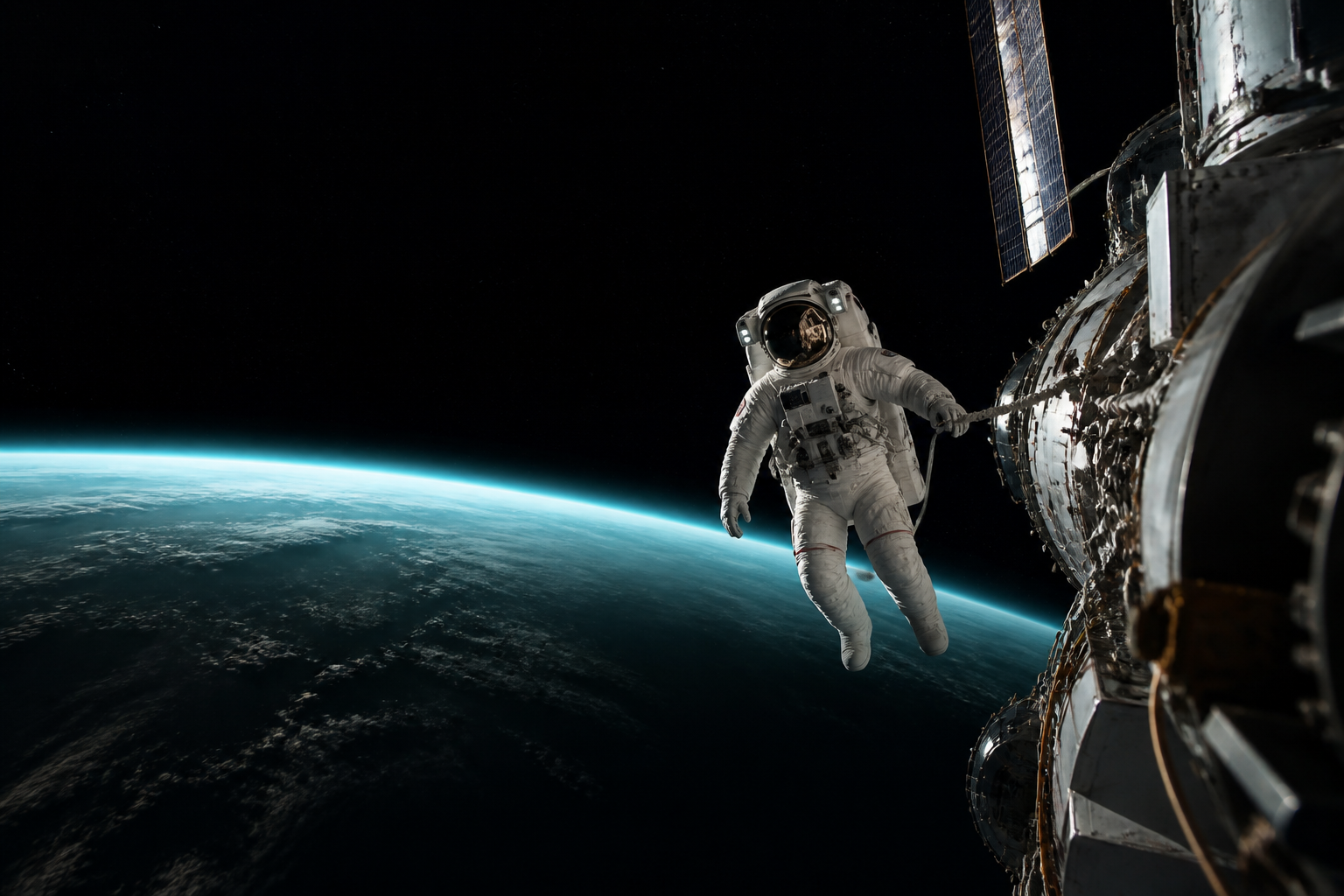
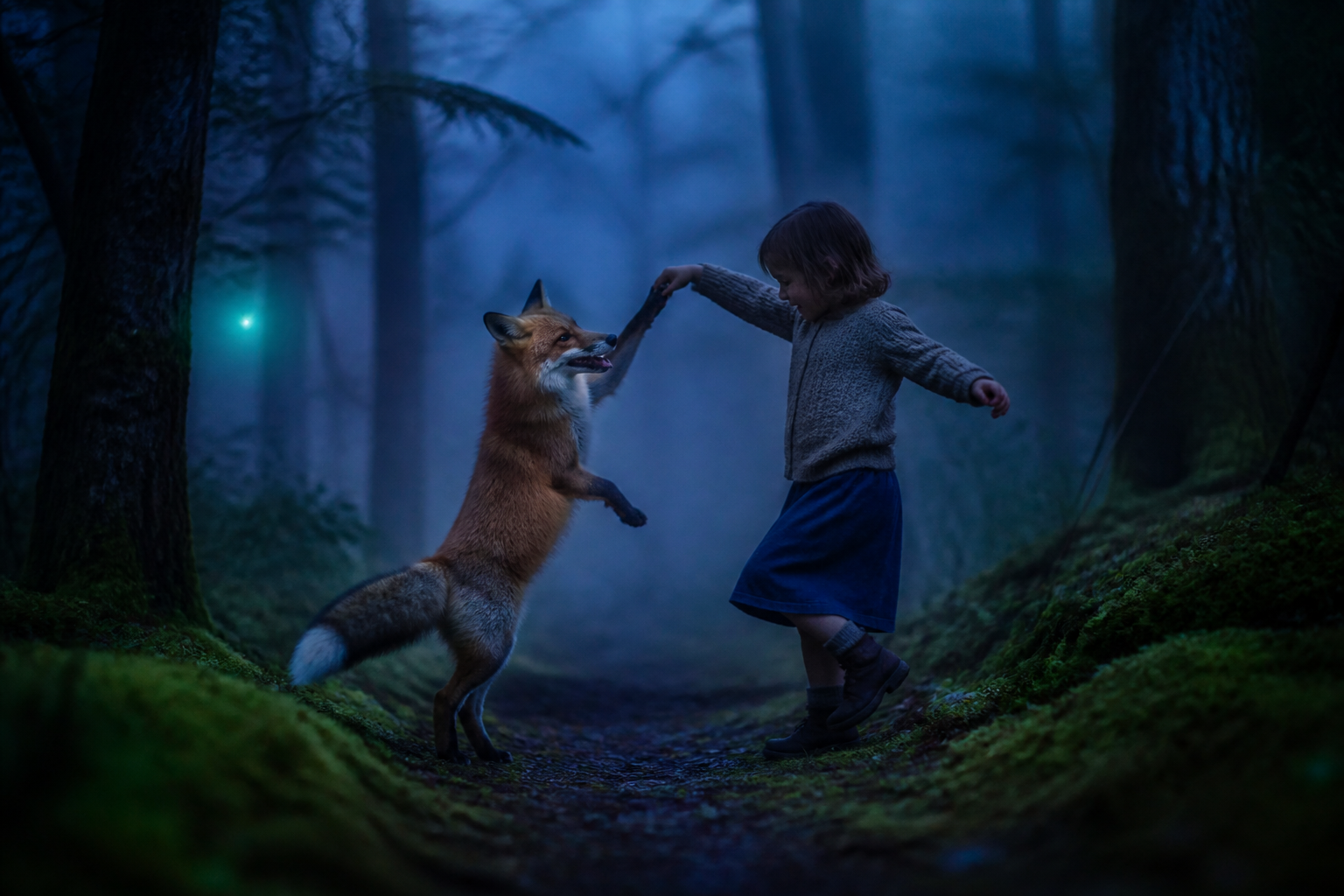
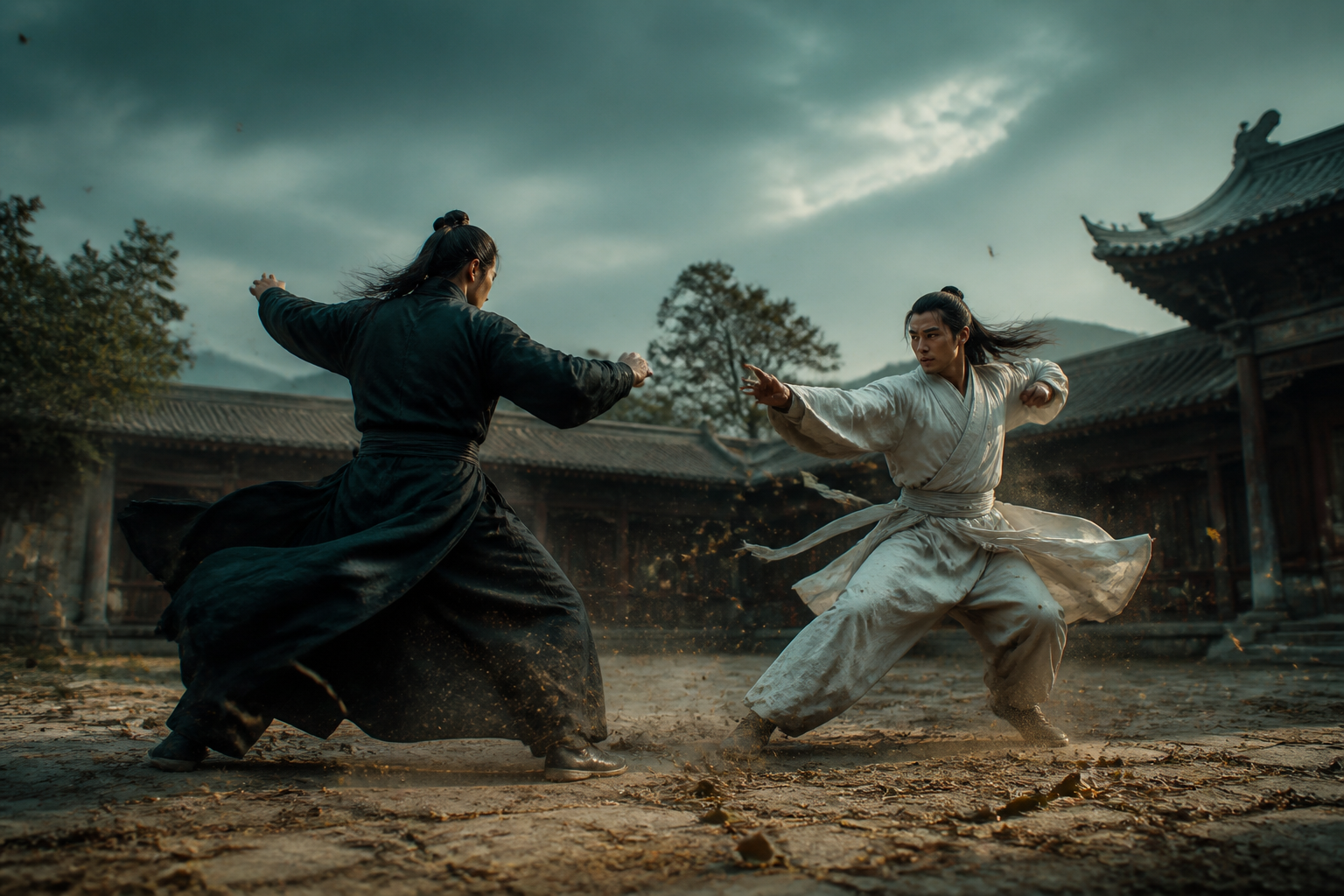
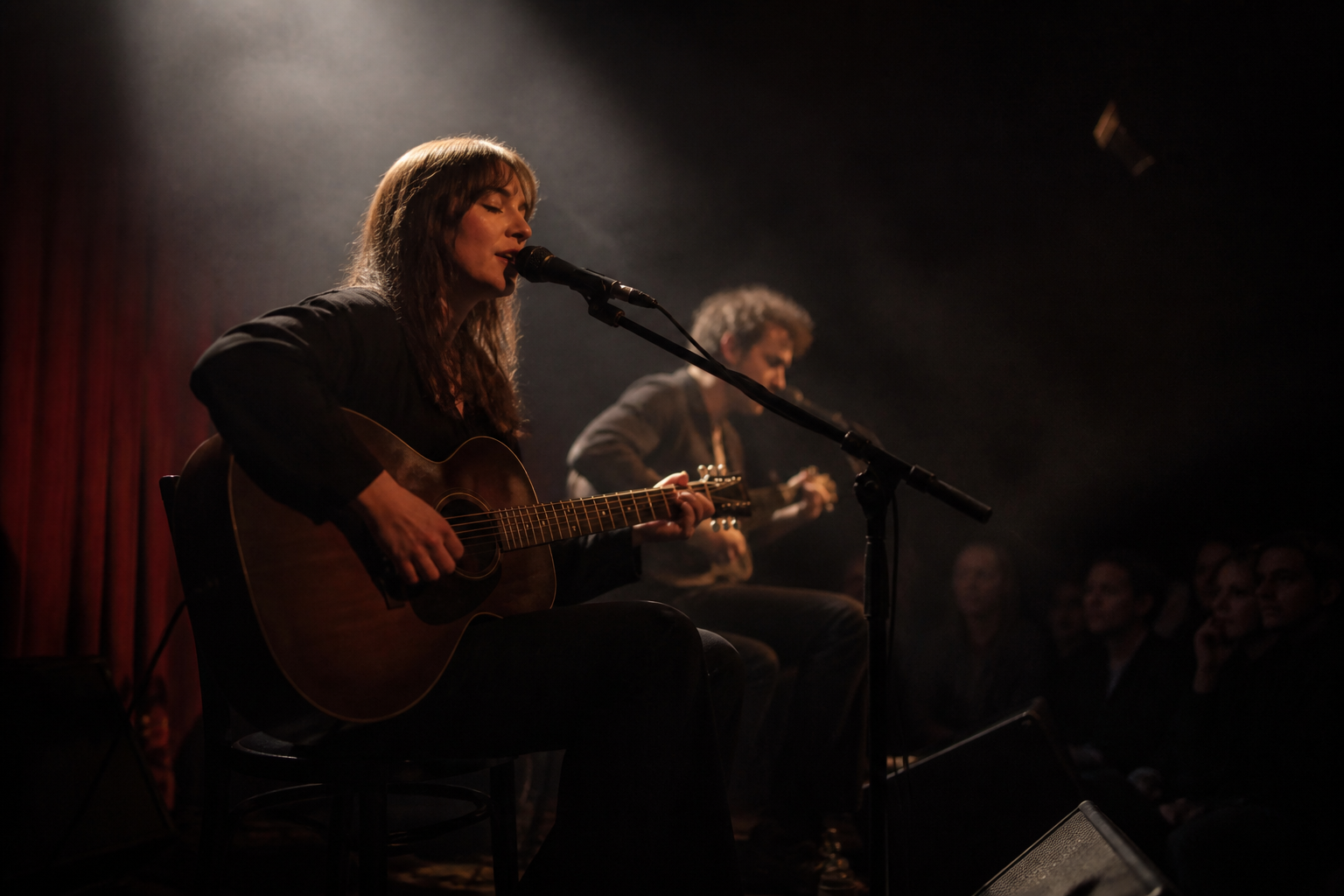
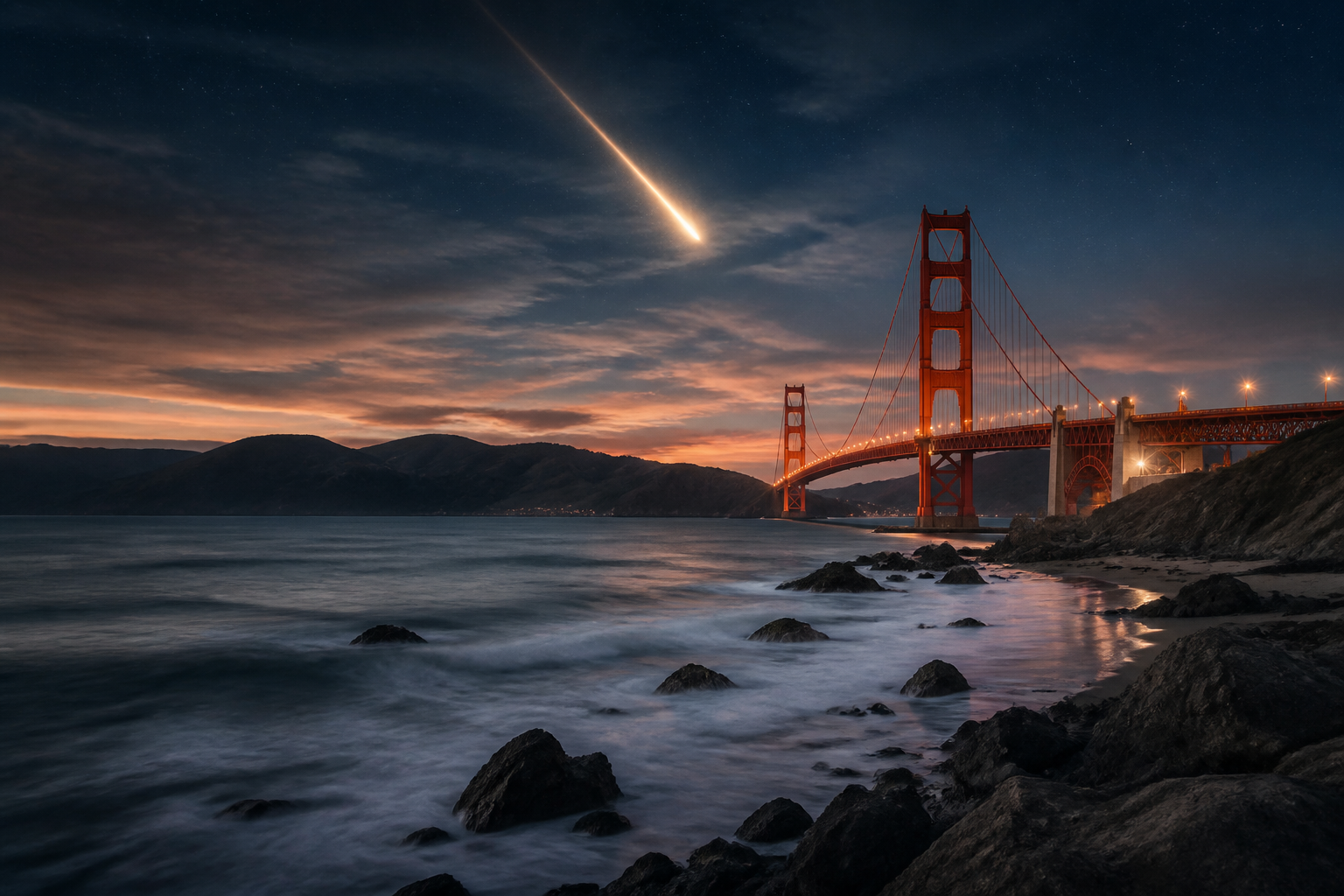
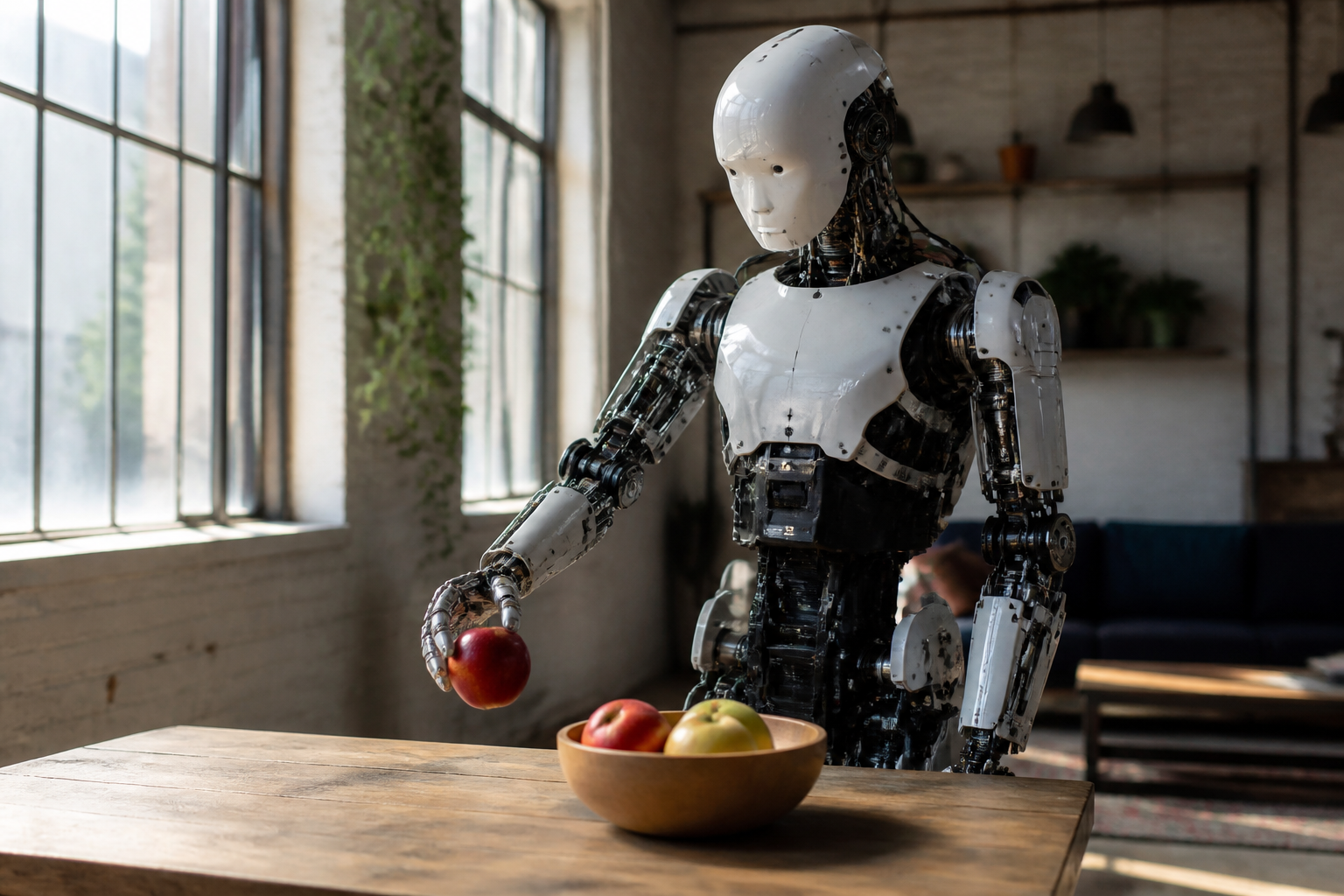


The model splits persistent visual state from the prompt you just typed. Each chunk reads the active event, optional references, and a bounded memory of what already happened.
4K at 24 FPS through a distilled chunk generator and a streaming upscaler.
The session runs until you stop it. Worlds are not capped at a few seconds.
A bounded multi-scale memory keeps subjects, rooms, and style across chunks.
Prompt switching, voice events, and later expert models share one future process.
A latent world model scores candidate futures and steers motion toward plausible dynamics.
You speak or type while the stream is already moving. Input and output overlap.
This is the in-generation prompt switch. Pick an event and the stream cuts to that world. Open the live demo when you want a full session.
An astronaut works outside a space station. Earth hangs in the distance. A tool drifts, then the visor turns toward a sudden warning light.
Text, a still, or an existing clip can start the same future process.
A new prompt becomes the active event. The stream does not stop to re-render from zero.
Memory keeps people and light across chunks. When credits run out, add more on the pricing page.
No. This is an independent playground for Visko Orbis. Research, papers, and the first-party demo live at visko.ai.
Long-form text-to-video, image-to-video, video continuation, multilingual prompts, and prompt updates while generation is running.
It is a Live Model. It streams chunks with persistent memory, reports 4K at 24 FPS, and keeps hour-scale rollouts from obvious quality or color drift.
The official model runs on Reactor. A GPU is billed every second it is held. We prepaid a 30-second block and cut the session when time is up, so an idle tab cannot keep spending.
No free trial. 1 credit is 1 second of Orbis Stable. A 30-second session costs 30 credits. Dynamic costs 3 credits per second. Pricing defaults to yearly Orbit at $29/mo, billed $348.
Buy credits first. Official Orbis on Reactor bills by the second. We prepaid 30 seconds.